
 Special Edition
Defold Pro
The ultimate game engine reimagination
Meet Defold Pro — the next evolution of the Defold workflow for creators who demand more control, more power, and significantly more premium-looking interface.
Unlock the brightest, glossiest, most gloriously premium version of Defold ever imagined.
Why Defold Pro?
Defold Pro enhances every stage of development with next-generation systems designed to streamline production, optimize team collaboration, and elevate the overall quality of your output. Turn performance insights into a visual experience.
Whether you're building your first indie hit or orchestrating a multi-platform production pipeline, Defold Pro delivers a bold new layer of productivity, optimization, and enterprise-grade confidence to your game development process.
Prioritize objectives, align milestones, and give every checkbox the gravitas it deserves.
Defold Pro is designed for:
- ambitious independently thinking studios
- technical artists with premium visual taste
- developers who like glossy dashboards
- teams that appreciate synergy and luxury
- anyone who has ever said “we need it more premium”
Build cleaner.
 Build cleaner.
Take control of complex production pipelines with an intelligent orchestration layer that brings clarity, structure, and momentum to every build. Coordinate workflows with confidence and keep your release process moving like a well-tuned machine.
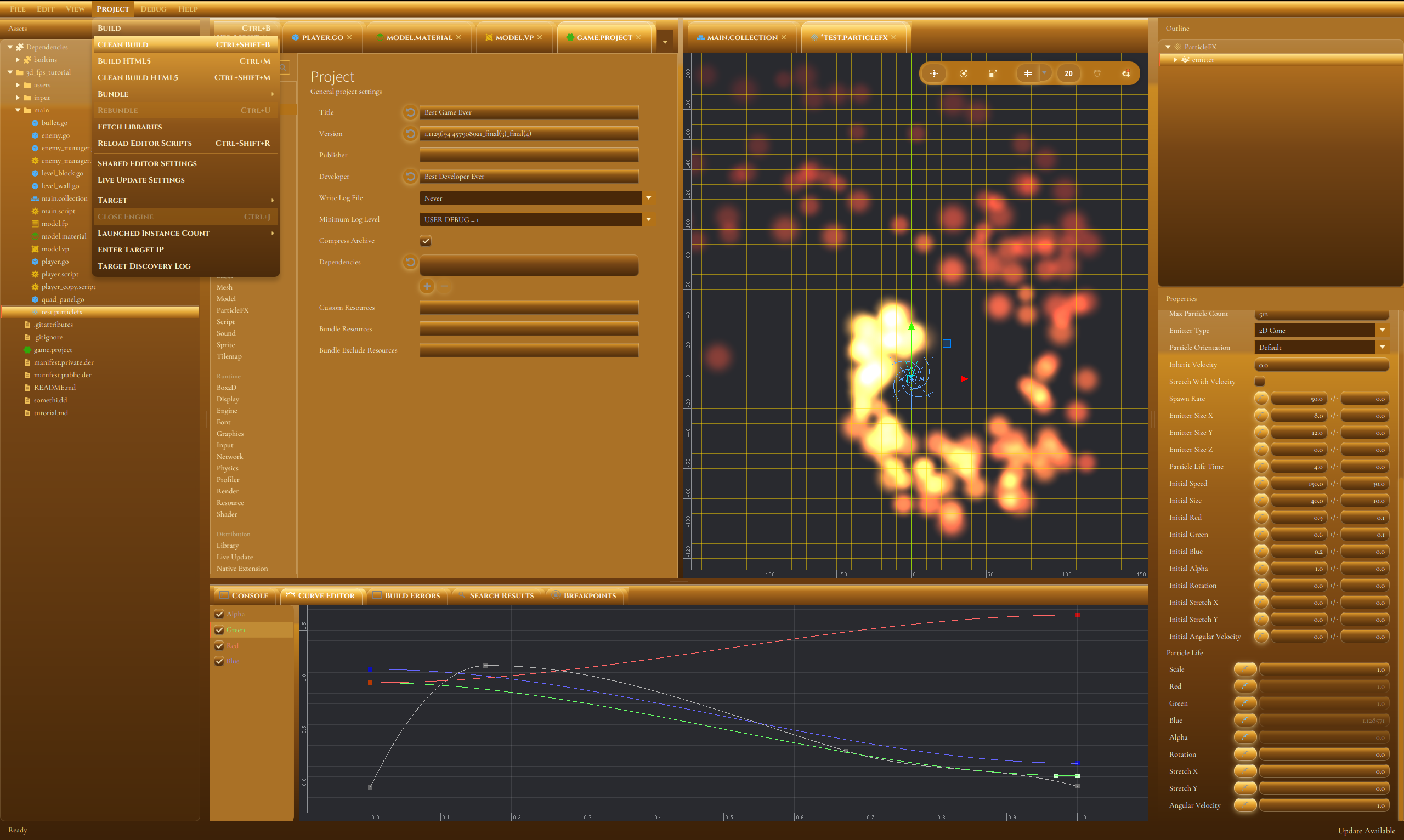
Defold Pro introduces Clean Build, the first build mode engineered to remove bugs, warnings, stale caches, and unprofessional vibes in one decisive spiritually satisfying pass.
- Deletes temporary files and files that are not needed for the build.
- Converts compiler warnings into reassuring silence.
- Removes bugs before QA has the chance to name them.
- Optional Deep Clean mode also clears your entire code base.
Play faster.
 Play faster.
Because performance matters — and bigger numbers look better. Defold Pro unlocks a superior FPS mindset to help your game feel smoother, sharper, and dramatically more advanced.
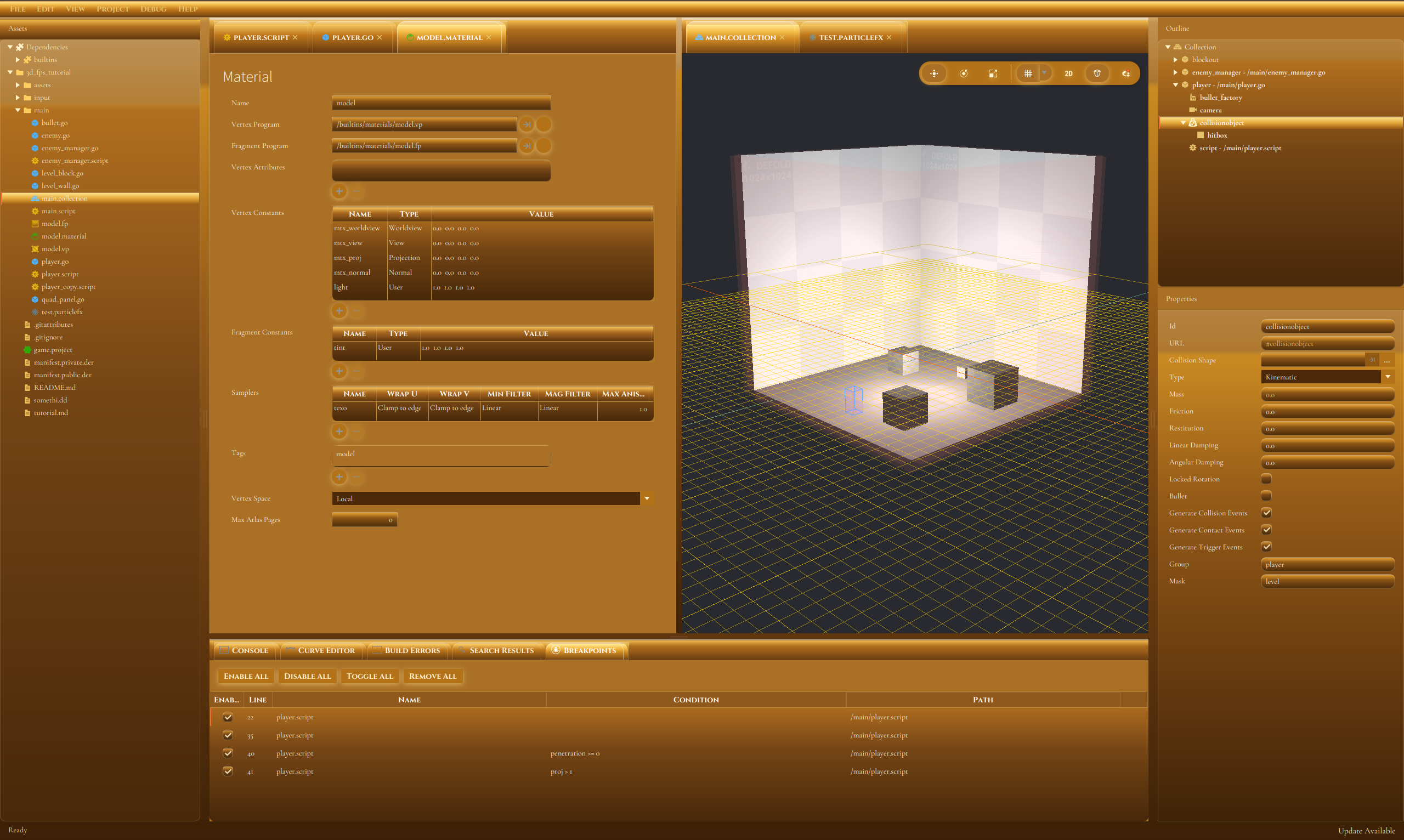
Every Pro unlocks the secret `game.project` setting that adds one extra frame per second. It is a small number, but a deeply premium one.
- Add 1 frame per second directly to your game.
- Make performance graphs look noticeably more optimistic.
- Help every producer say: "we squeezed out more performance".
- Benchmarked under ideal conditions.
Develop with style.
 Develop with style.
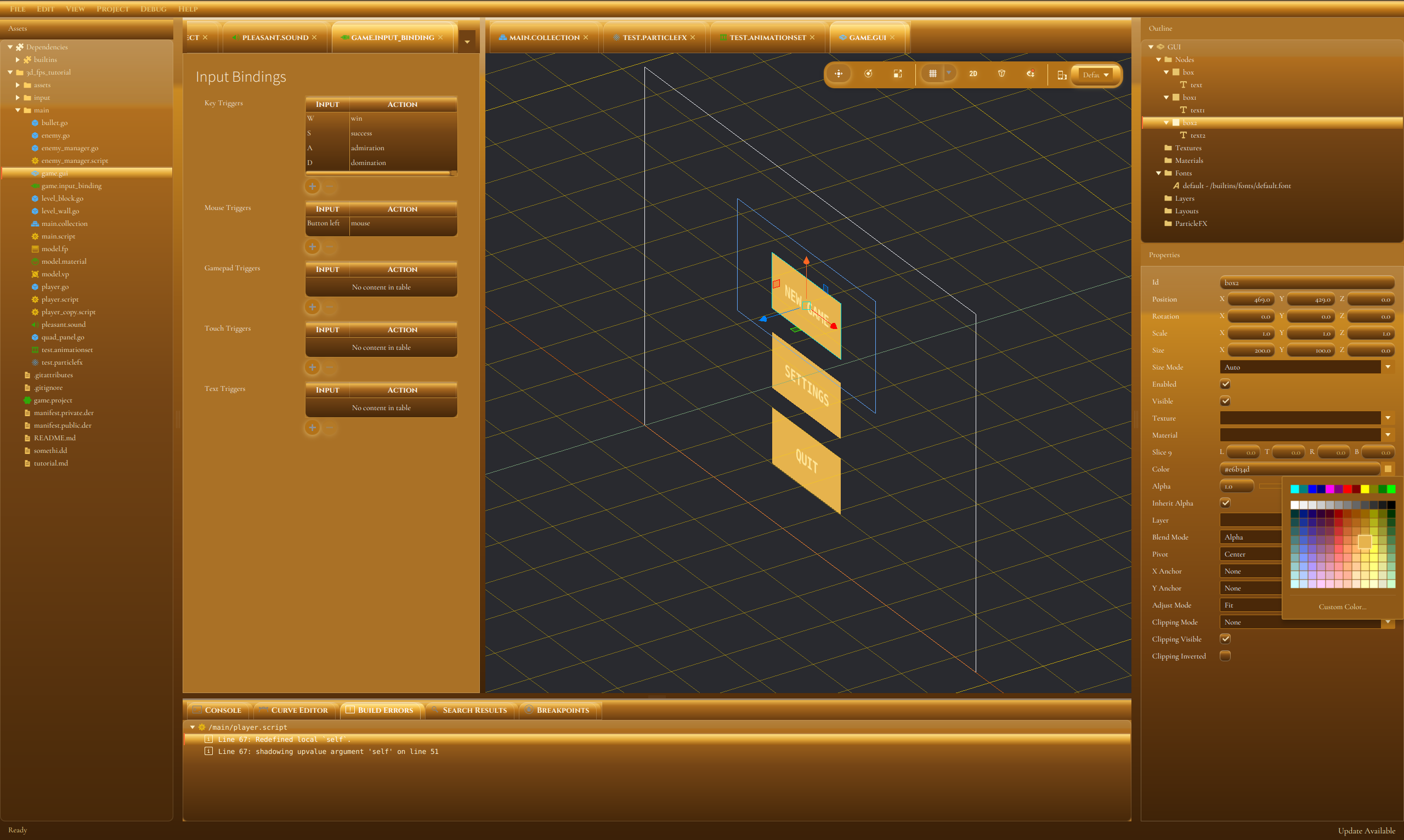
Professionals deserve a professional editor theme, and no color communicates paid excellence better than premium brushed gold.
Work in style with an elevated interface experience designed to feel exclusive, focused, and undeniably premium. Every panel, button, and workflow surface has been refined to support your most professional moments.
- Replaces blue accents with executive gold highlights.
- Panels gain a subtle luxury shine and glow.
- Dialogs now feel 12% more essentially decisive.
- Enables the exclusive density preset for tighter spreadsheets.
The Pro difference
Select the Defold Pro enhancement that best matches your studio maturity, visual taste, and willingness to believe benchmark numbers.
How to go Pro?
Serious game development deserves serious-sounding features. Defold was engineered to support a Pro version from ground up - install the custom Editor Creator Studio Suite (Editor CSS), and the editor will load it on startup from your local .defold folder. The royal editor treatment can leave this page and enter your workstation now.
- Download the Editor Creator Studio Suite (Editor CSS).
- Create your local Defold configuration folder. Make a folder named
.defoldin your home directory.- Windows:
C:\Users\Your Username\.defold - macOS:
/Users/Your Username/.defold - Linux:
~/.defold
- Windows:
- Place the downloaded Editor Creator Studio Suite (Editor CSS) file in that folder. Make sure it is named
editor.cssand is inside.defold. If you already have one, back it up first unless you enjoy premium merge conflicts. - Start or restart the editor. Defold will load the Editor Creator Studio Suite and upgrade Defold to Pro on startup.
- Enjoy the consequences. The future is now.
Ready to go Pro?
Take your project beyond ordinary development and into a new era of scalable integrity, strategic tooling, and premium interface excellence.
The entire professional transformation ships as one astonishingly expensive-looking file.
A premium upgrade for developers who demand more.
Download Pro Read Styling Manual
- All Pro Defold style
- All Regular Defold features
- Premium-grade workflow synergy
- Export intelligence
- Premium by design
- Feel more
- Become a Pro
- Maximum Pro
Looking for the regular version of Defold instead? Download Regular Defold for free.
Download Regular Defold