

Defold Firebase Crashlytics documentation
This extension allows you to integrate Firebase Crashlytics in games on Android, iOS, and macOS. Android uses the Firebase Crashlytics NDK SDK for native crash capture. Apple platforms use the Firebase Crashlytics Apple SDK.
Installation
To use Firebase Crashlytics in your Defold project, add a version of the Firebase extension and this extension to your game.project dependencies from the list of available Firebase Releases and corresponding Firebase Crashlytics Releases.
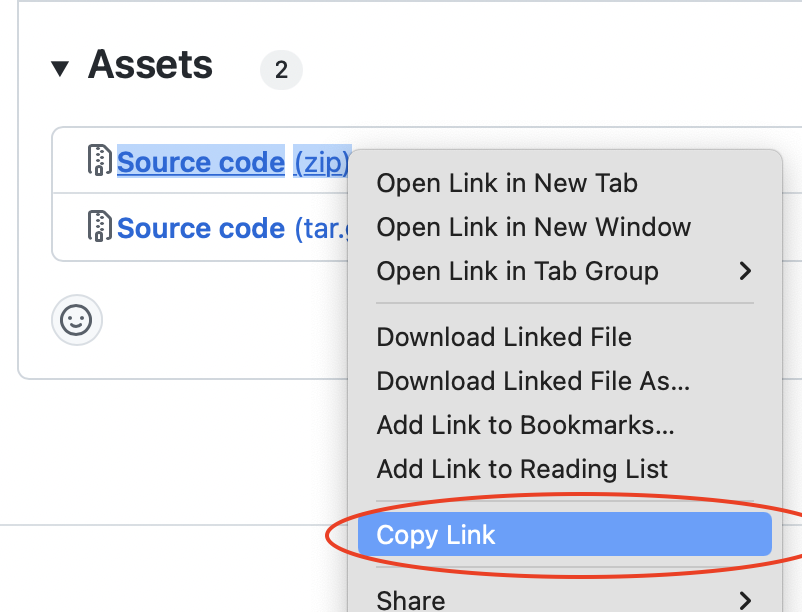
Find the version you want for both extensions, copy the URLs to the ZIP archives of the releases and add them to the project dependencies.
Setup
Install and configure the Firebase extension according to the main setup guide for integration of Firebase in Defold. Crashlytics requires the core Firebase extension and must be initialized after Firebase:
function init(self)
    -- use firebase only if it is supported on the current platform
    if firebase then
        firebase.set_callback(function(_, message_id, message)
            if message_id == firebase.MSG_INITIALIZED then
                firebase.crashlytics.initialize()
            elseif message_id == firebase.MSG_ERROR then
                print("Firebase error: " .. tostring(message and message.error))
            end
        end)
        firebase.initialize()
    end
end
Wait for firebase.MSG_INITIALIZED before calling firebase.crashlytics.initialize().
Current Firebase Android SDKs require Android API level 23 or newer. Set this in game.project:
[android]
minimum_sdk_version = 23
Firebase Apple SDK 12.x requires iOS 15.0 or newer. The macOS extension manifest targets macOS 11.0 or newer.
Usage
firebase.crashlytics.set_user_id("user-123")
firebase.crashlytics.set_custom_key("level", 12)
firebase.crashlytics.set_custom_key("premium", true)
firebase.crashlytics.log("Loaded main menu")
firebase.crashlytics.record_exception("Non-fatal error")
firebase.crashlytics.record_lua_error("Lua error", "stack traceback:\n...")

if firebase.crashlytics.did_crash_on_previous_execution() then
    print("Previous execution crashed")
end
After Crashlytics is initialized, Defold dmLogWarning() messages are automatically added to Crashlytics logs and included with the next fatal, non-fatal, or ANR report.
To report uncaught Lua runtime errors, install a Defold error handler after Crashlytics is initialized:
sys.set_error_handler(function(source, message, traceback)
    firebase.crashlytics.set_custom_key("lua_source", tostring(source or ""))
    firebase.crashlytics.record_lua_error(tostring(message or ""), tostring(traceback or ""))
end)
record_lua_error() records a non-fatal LuaError. On Android, parsed Lua traceback lines are sent as StackTraceElement frames. On iOS and macOS, parsed Lua traceback lines are sent as FIRStackFrame entries.
Lua errors reported this way are non-fatal reports, so check the Crashlytics non-fatal/errors view and restart the app to let Crashlytics upload queued reports. The sample prints Firebase Crashlytics recorded LuaError non-fatal when the Defold error handler has handed the Lua error to Crashlytics.
For setup testing:
firebase.crashlytics.test_native_crash()
if sys.get_sys_info().system_name == "Android" then
    firebase.crashlytics.test_java_crash()
end
Crashlytics uploads reports after the app is restarted.
When testing Apple crashes, run the app without the Xcode debugger attached, force the crash, then restart the app so Crashlytics can upload the stored report.
Native symbols
Crashlytics can capture native crashes without symbol upload, but native stack traces will not be readable until matching unstripped symbols are uploaded.
Build Android bundles with Defold symbols enabled:
bob --platform arm64-android,armv7-android --with-symbols bundle
Then upload the generated symbol directory or zip with the Firebase CLI:
firebase crashlytics:symbols:upload \
  --app=FIREBASE_ANDROID_APP_ID \
  path/to/App.apk.symbols
FIREBASE_ANDROID_APP_ID is the Firebase Android app id, for example 1:1234567890:android:abcdef, not the Android package name.
On iOS and macOS, upload the generated dSYM files to Crashlytics for readable Apple stack traces. Firebase’s Apple setup guide describes the Xcode run script flow; for Defold/Bob builds, use the generated dSYMs from the bundle output with the FirebaseCrashlytics/upload-symbols script.
Java deobfuscation is separate from native symbolication. If ProGuard is enabled, upload mapping.txt for readable Java frames.
Source code
The source code is available on GitHub